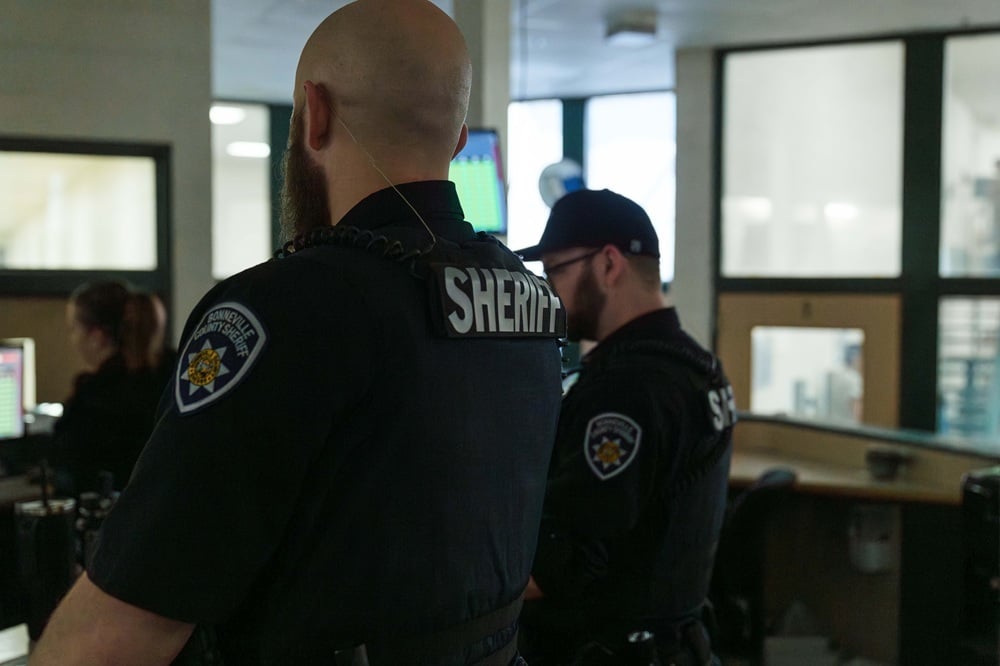
The moment a supervisor walks through the door, the clock starts ticking. There are officers to check in with, schedules to review, and incidents to monitor—so where does one begin?
Supervisors juggle a wide range of responsibilities during every single shift, and it’s easy to feel overwhelmed when everything demands attention at once. Figuring out what to tackle first isn’t always straightforward. Fortunately, with the right tools, supervisors don’t have to manage it all on their own.
In this blog, we’ll explore five essential actions every supervisor should take at the start of their shift—and how Command Cloud empowers them to take control with confidence, ensuring all tasks are managed swiftly and effectively.
1. Determine Your Team's Rounds Status
While every shift should strive to complete all rounds on time and avoid burdening the next shift team, occasional oversights are inevitable. Whether it’s due to rushing at the end of a shift because of another incident or due to plain, simple human error, rounds are sometimes left incomplete. This, unfortunately, puts the incoming officers in the position of backfilling missed or late checks while trying to stay on top of their own schedule.
No supervisor wants to be left in the dark about where their staff are in their rounds schedule. Command Cloud eliminates this uncertainty with its Compliance Monitor tool by delivering clarity on the staff’s progress in completing their rounds in real time.
Compliance Monitor is available in Command Cloud’s Mission Command, and the mobile version of Compliance Monitor, known as Mobile Compliance Monitor (MCM), is available in Command Cloud’s Mobile Command XR, offering supervisors the flexibility to access data while on the go.

But how can supervisors determine which rounds require their immediate attention?
Both Compliance Monitor and MCM use intuitive color-coding and time-based sorting in their platforms to help staff easily identify and prioritize rounds more effectively. Late rounds are highlighted in red, while those nearing their due time appear in yellow, and locations with sufficient time remaining are green. This visual system, combined with automatic sorting by urgency, ensures that the most critical checks are always at the top of the list and receive immediate attention.
Both Mission Command and MCM can also be filtered by location, enabling supervisors to view the entire facility or focus on specific areas under their responsibility. Since many supervisors oversee multiple locations, if not the whole facility, this level of filtering is helpful as it allows them to quickly pinpoint areas that need their immediate attention. This capability allows supervisors, or any staff with the correct permissions, to quickly gain either a high-level overview or the drilled-down details of what they’re searching for, ultimately assisting them in making informed decisions with only the relevant data.
With Command Cloud, missed rounds from the previous shift are instantly visible. Supervisors can immediately identify where attention is needed most without wasting time sifting through logs or tracking down team members to get a clear answer. Whether at a desk or in the field, supervisors have the power to stay informed and in control of rounds at all times.
Once it’s confirmed that there are no late or outstanding checks, supervisors must determine when the next round is due. Both the Mobile Command XR’s MCM and Mission Command’s Compliance Monitor include digital timers that clearly display the countdown to the next scheduled round. Each timer is also linked to a specific location, allowing supervisors to easily see not only how much time remains but exactly where the next round is due.
This helps ensure supervisors can complete any assigned rounds on time and that locations undergoing a shift change are prepared to perform their checks promptly. If timing issues arise, adjustments can be made proactively to avoid missed or late checks.
2. Review Which Returnable Supplies Have Not Yet Been Returned
Once rounds are completed and there’s enough time to tackle another task before the next round is due, supervisors should next ask themselves: Are there any returnable supplies issued to inmates that have not yet been returned to staff?
If the answer is yes, it becomes critical to track down both the supply items and the inmates, especially if the items are considered dangerous. This task can be done quickly from anywhere in the facility using Command Cloud’s Supplies features, available on both Mobile Command XR and Mission Command.
For supervisors on the move, the Supplies module on Mobile Command XR offers a convenient way to view the list of returnable items assigned to inmates. Within the Supplies module, supervisors can see detailed information relevant to the returnable item in question, including the inmate it was assigned to, what type of item it is (dangerous or not), and where it was last assigned. When a supply item is considered dangerous, such as nail clippers, they are easily identifiable as it is colored red and contains a caution icon, flagging staff to keep an extra close eye on those who receive that specific supply item and ensure it is promptly returned.
In Mission Command, there is a Supplies Dashboard that provides a quick overview of how many returnable and dangerous items are still outstanding. In the Returnable Items tab, supervisors can access a detailed list showing each item out, the inmate it was assigned to, whether it is a dangerous item, the inmate’s current locations, the date and time the item was issued, how long it has been in their possession, and the officer who assigned it.
Both Mobile Command XR and Mission Command allow supervisors to filter the Supplies module for more targeted searches. In Mobile Command XR, returnable or dangerous items can easily be filtered by location, supply type, and inmate. In Mission Command, these supplies can be filtered similarly by inmate, item name, whether or not they are dangerous, home and current location, date and time, duration that the supply has been out, and the officer who assigned it.

3. Figure Out When The Next Meal Or Medication Pass Is Due
Next on the docket, supervisors should check when the next meal or medication pass is due to ensure they’re on track to be completely on time.
Command Cloud’s Medication Manager makes it easy to track when, where, and which medications need to be administered—and to which inmates. It also provides clear documentation regarding either the inmates’ acceptance or refusal of their medication offers, allowing staff to quickly review records if an inmate claims they didn’t receive their medication later down the line, helping determine whether the claim is valid or if there was a miscommunication.
Command Cloud also empowers supervisors to schedule facility-wide meal passes to ensure staff don’t skip a beat. After a supervisor determines when a meal pass should be delivered, they log into Mission Command, select the Meals Dashboard, and select “Start Meal.” From there, they fill out the appropriate fields and schedule the meal accordingly.
Once these steps are completed, all staff members with a SPARTAN receive an automatic notification, no matter where they’re located in the facility, that a meal has started and it’s now time to pass that meal. The Meals Dashboard in Mission Command also offers deeper insights into previous meals by providing a comprehensive view of all data related to any previously documented meal, such as the officers who passed the meals, what time they were passed, what location they were passed in, how many inmates accepted or declined the meal, how many inmates had special diets, etc.
Knowing when the next meal will begin gives supervisors time to ensure everyone is where they need to be and that the meals are on track for preparation and distribution. It also gives supervisors time to identify any areas that may need extra assistance with meal distribution and assign additional staff to help if necessary.
4. Identify Any Officer Performance Gaps
Supervisors should take the time each shift to check in with their team and identify if there’s anything out of the ordinary or needs extra attention, such as new inmate behaviors or gaps in officer performance.
By regularly evaluating trends in either inmate behavior or officer performance, supervisors typically have a grasp on identifying when things feel off. However, leveraging data-driven insights empowers supervisors that much more to know when issues have arisen, or are about to. Whether it’s a specific pod that consistently runs behind during meal passing, a single officer’s recurring late checks, or a team of officers who keep falling short on adequate documentation, Command Cloud captures insights that are essential for informed, effective decision-making.
Mission Command compiles data from all officers to provide a common operating picture across the entire facility’s performance. This helps supervisors assess both overall and individual accountability. For example, if checks are frequently missed or delayed in a particular area, Mission Command highlights this, allowing supervisors to engage with the involved officers, identify root causes, and develop solutions.
For facilities using Operational Intelligence, identifying performance trends becomes even easier. These tools present data through interactive, dynamic charts and graphs, making it easier to visualize issues at a glance. Supervisors can quickly pinpoint the who, what, where, and when of performance inconsistencies.
From there, they can engage directly with relevant staff to understand the underlying problems and take corrective action. If an officer cites challenges like understaffing or lack of resources, supervisors can begin addressing those issues to bring performance back to an optimal level.
5. Check in With Your Staff
Last, but certainly not least, supervisors must regularly check in with their staff and assess how they’re coping with the demands of the job and everyday life. Mental or emotional struggles can impact an officer’s focus and performance, and in a correctional environment, that can put the safety of the entire facility at risk.
Corrections is no ordinary profession—it’s emotionally and mentally challenging. The situations correctional officers face daily can leave deep and lasting impacts. Inside the walls of any jail, prison, or juvenile detention center is a high-stress, high-stakes environment where mental well-being must be treated as a top priority.
During their shifts, officers often deal with traumatic events such as inmate fights, injuries, and even deaths. And, unfortunately, these experiences don’t disappear when the shift ends; they follow officers long after they leave the facility.
Corrections officers need consistent support and healthy coping mechanisms to manage the stress and trauma associated with their job. That’s where supervisors can play a pivotal role.
Proactive check-ins aren’t just a mark of good leadership—they’re a cornerstone of building a connected, resilient team. Even when staff seem to be doing well, regular check-ins help them feel seen, valued, and supported. And for those who are struggling, these moments of connection can be lifelines. A simple, sincere check-in from someone who truly understands the pressures of the job can have a profound impact.
Support from leadership sends a powerful message: no one has to carry the weight alone. That kind of connection builds trust, loyalty, and, ultimately, a healthier workplace for everyone.
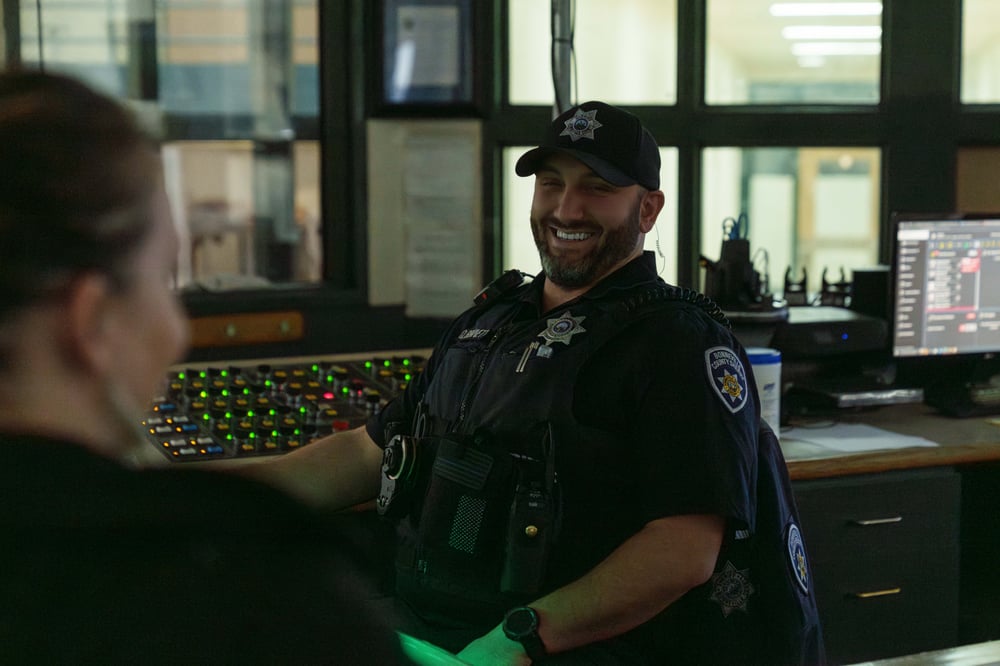
The start of a shift sets the tone for the rest of your time within the walls. And for supervisors, making the right moves early can make all the difference not only for yourself, but the rest of your team. From checking for missed rounds and monitoring supply returns to evaluating performance and preparing for upcoming tasks, each step plays a critical role in maintaining safety, efficiency, and accountability across the facility.
By following these five essential steps at the start of every shift—and leveraging the full capabilities of Command Cloud—supervisors can stay ahead, support their teams more effectively, and keep their facility running smoothly from the moment they walk through the door.