

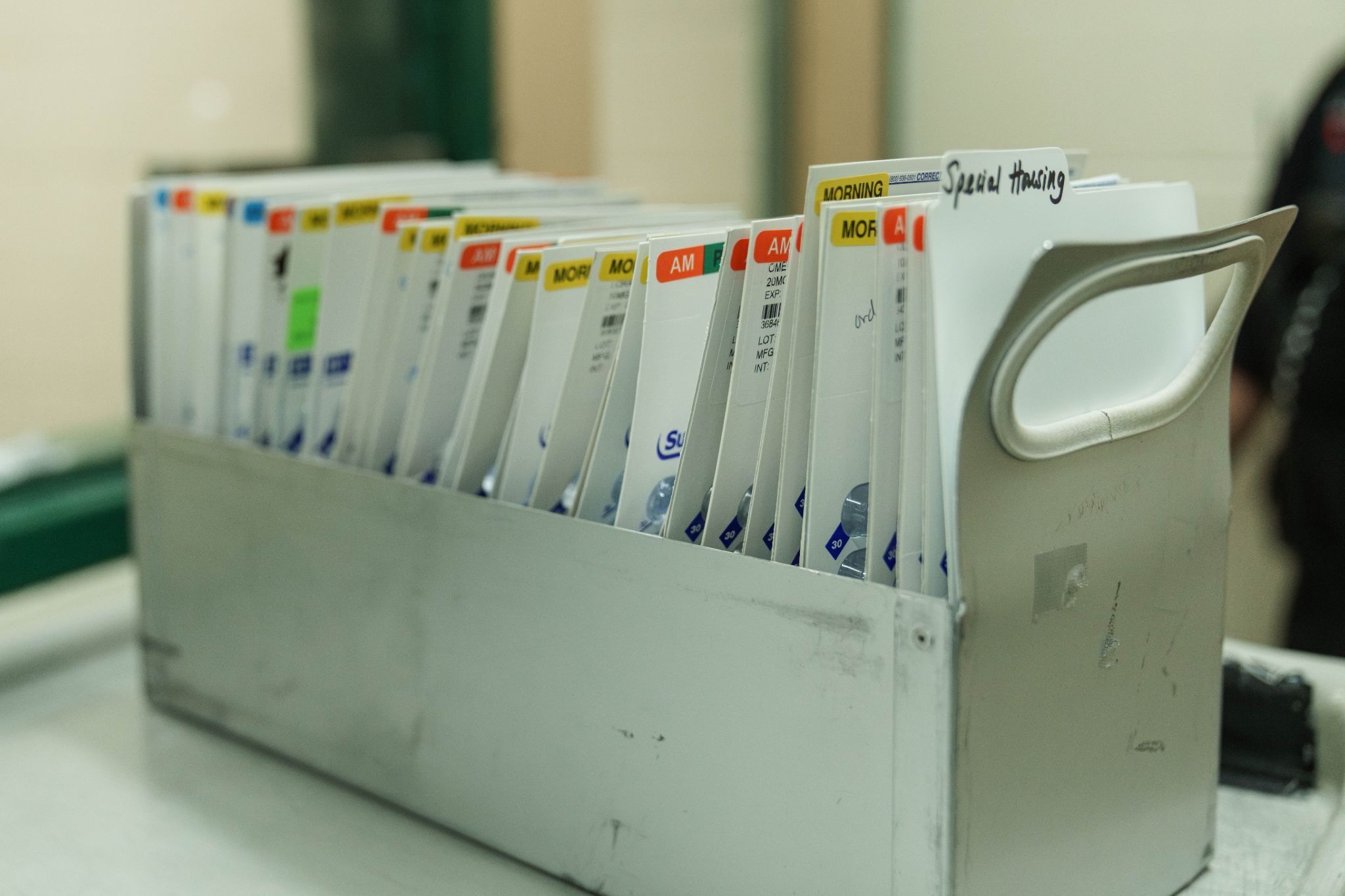
Managing medication inventory for every inmate in your correctional facility is no small task. Depending on the size of your inmate population, inventory might include anywhere from a few dozen to hundreds, or even thousands of medications. Keeping track of every dose is critical, not just for the health and safety of the inmates, but for overall operational efficiency.
So, every time a new medication enters the facility, it needs to be logged accurately and thoroughly. That means documenting the name, dosage, quantity, prescribing provider, route of administration, and whether it belongs to the facility or a specific individual. Staying organized of all these factors ensures officers' accountability and defensibility, as well as a safer environment.
Yet, many facilities struggle to manage the inmate medication inventory process without a reliable, streamlined system. That’s where Medication Manager for Command Cloud comes in. In this blog, we’ll explore why tracking medication inventory is paramount and demonstrate how Medication Manager for Command Cloud simplifies and streamlines inmate medication inventory management.
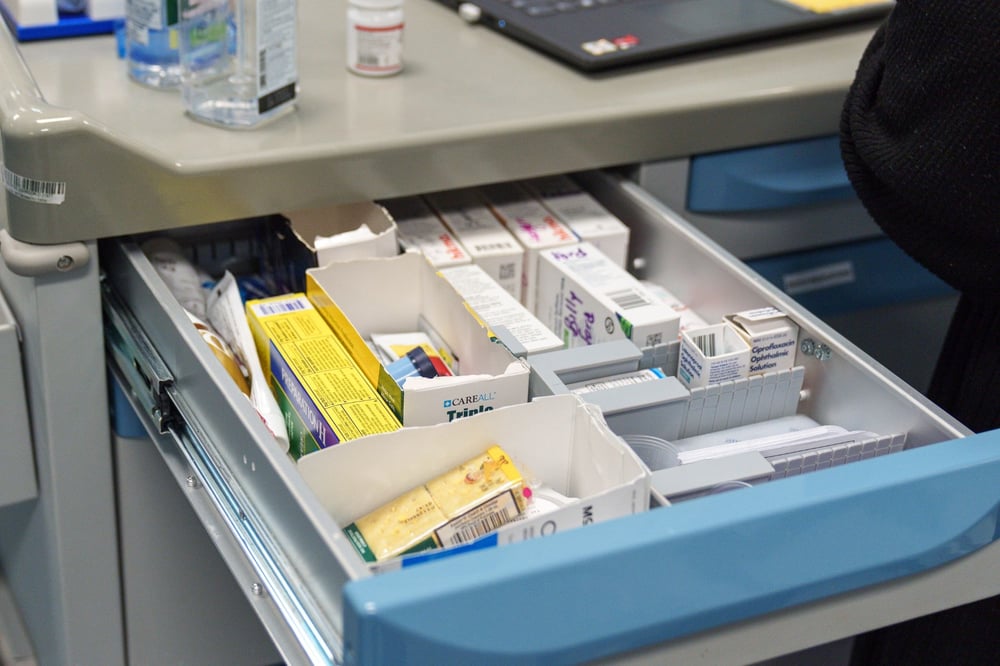
The Importance of Medication Inventory Tracking
In a correctional facility, every dose of medication must be accounted for. A missed pill, the wrong dosage, or a misplaced medication can quickly ripple into serious health concerns, compliance headaches, and even security risks. That’s why effective medication inventory management is far more than a behind-the-scenes responsibility; it’s the lifeline of safety, accountability, and operational effectiveness.
Accurate tracking ensures that medications are available when needed, administered correctly, and accounted for at every step, protecting both inmates and staff by:
- Ensuring accurate patient care: When inventory is meticulously tracked, inmates receive the correct dose of the correct medication, promptly and on schedule. This prevents administering the incorrect doses or missing the pass altogether, which can result in detrimental health consequences and undermine trust in the facility’s healthcare system.
- Supporting regulatory compliance: Correctional facilities operate under strict healthcare regulations, making adequate documentation essential. Comprehensive records create a clear, defensible audit trail of medication storage, handling, and administration. This level of transparency not only satisfies auditors and inspectors but also protects the facility from unfounded claims or disputes.
- Preventing diversion and misuse: Without proper oversight, highly valuable medication can be stolen, traded, or hoarded. Clear inventory tracking ensures that every dose is accounted for, reducing opportunities for illicit activity while maintaining the integrity of the facility’s medication program.
- Enhancing operational efficiency: Real-time visibility into current stock levels allows staff to anticipate upcoming needs and prevent shortages that could disrupt care. It also avoids overstocking, reduces clutter, and minimizes the risk of waste from expired or unused medications.
- Controlling costs: Accurate tracking prevents financial losses from expired drugs, duplicate orders, and emergency restocks. By proactively managing stock efficiently, facilities can stay within budget while ensuring that all necessary medications are on hand for timely administration.
- Strengthening accountability: Comprehensive documentation creates a timestamped record of which officer handled each medication, when, and under what circumstances. This accountability not only protects staff but also promotes consistent procedures and reinforces a culture of safety, transparency, and responsibility throughout the facility.
When medication is tracked effectively, everyone benefits. Inmates receive safe and consistent care, staff maintain compliance and operational control, and the facility operates efficiently and securely. Strong medication inventory management isn’t just a procedural requirement; it’s a cornerstone of inmate welfare and office accountability.
So, how can you improve your facility's management of inmate medication inventory?
Smarter, More Accurate Medication Inventory Management
Medication Manager for Command Cloud streamlines the entire medication inventory management process from creation to completion.
With Medication Manager, inventory adjustments can be completed either manually by an officer or automatically as prescription or over-the-counter (OTC) medications are administered. These updates occur seamlessly through the Mobile Command XR Medication Manager module or the Mission Command Medication Manager dashboard, making medication management accessible from any device, anywhere in the facility.
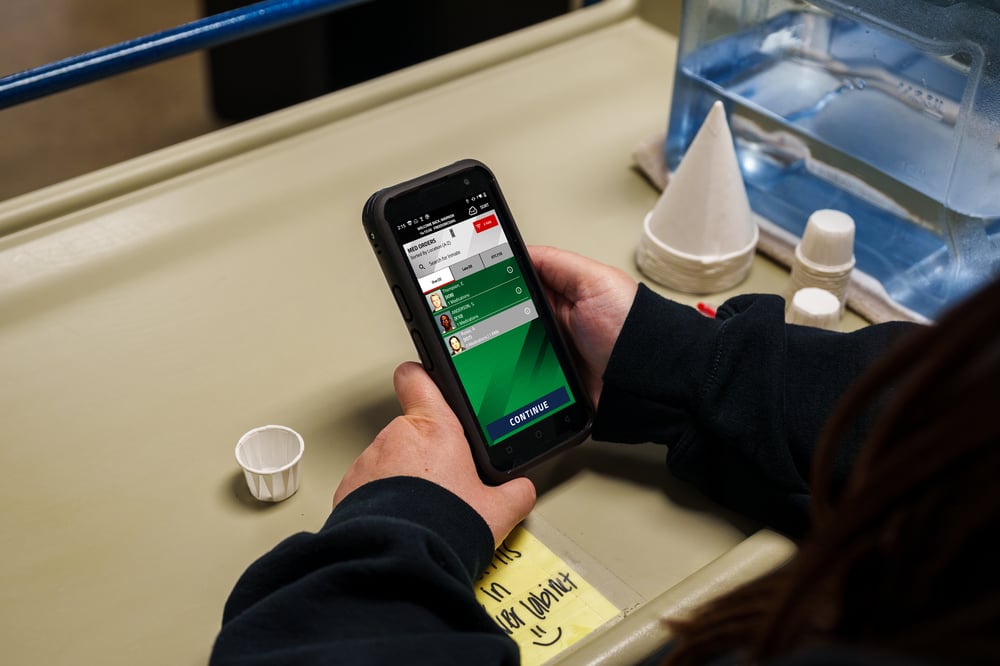
Using the Medication Manager module in Mobile Command XR, Command Cloud’s mobile inmate tracking system, users can view Due, Late, and OTC med passes and document medication administrations at the point of care. Each time an officer completes a medication administration, the system automatically updates the medication inventory. When a med pass is accepted, refused, unable to pass, or destroyed, the system automatically adjusts that medication’s inventory to reflect the change.
Manual inventory adjustments can be completed in the Medication Manager dashboard through the Medication Inventory tab, the central hub for all inventory-related activity. This tab provides a complete list of all medications currently in the facility, including the quantities on hand.
At the top of the dashboard, three clickable summary boxes display:
- The number of active inventory medications
- The number of medications at zero count
- The number of medications below zero
- The number of inactive personal inventory
These summary boxes provide a quick snapshot of current stock levels and help identify which medications need to be reordered or reviewed.
Below the summary section is a red CREATE INVENTORY ADJUSTMENT button, which allows users to manually update inventory counts as needed. Inventory can also be modified using the Edit action button next to each medication, allowing users to adjust quantities and select a corresponding reason from a drop-down menu.
The table underneath shows each medication in the facility’s inventory. The columns are sortable and include: Action (where you can edit or deactivate a medication), Medication, Inventory Ownership, Inmate, and Count.
“I would constantly have to go through and inventory my meds four or five times a week to make sure that my count was right in case we needed to reorder more. Medication Manager cut my inventory counting down to once a week."
-
Medical Deputy Michael Pace, Uinta Co
Where can I see medication inventory changes?
The Medication Inventory History Report provides a complete view of all inventory adjustments within your selected date range. You can easily filter the report by Start Date, End Date, Medication, Inventory Ownership Type, Status, and Staff, with the option to include inactive staff as well. This flexibility makes it simple to narrow in on exactly the data you need.
Once generated, the report displays a detailed table based on the selected filters. Each entry includes the date of the change, medication, inventory owner, assigned inmate, action type (Web or Mobile Command XR), starting quantity, ending quantity, status, staff member, and any documented notes. Everything is clearly organized, making it easy to review and understand at a glance.
Once the report is generated, a table is created based on the selected filters. It displays the date of the change, medication, inventory owner, assigned inmate, action type (Web vs. Mobile Command XR), starting quantity, ending quantity, status, staff, and justifications. This report streamlines medication inventory tracking while delivering clear, comprehensive audit documentation.
This level of visibility strengthens accountability and defensibility across your facility. When every adjustment is consistently documented, discrepancies can be identified quickly, investigated thoroughly, and resolved before they escalate. The result is a safer, more transparent medication management process that protects both staff and the facility as a whole.
When your team has clear visibility into every medication, adjustment, and administration, you’re not just tracking numbers —you’re protecting people. You’re ensuring inmates receive the care they need, supporting staff with reliable tools, and safeguarding your facility from unnecessary risk.
Medication Manager for Command Cloud streamlines the entire process, delivering faster, more accurate, and more reliable medication inventory management for your facility. By combining real-time updates, automatic inventory adjustments, and detailed reporting, Medication Manager equips facilities to move from reactive problem-solving to proactive oversight.
Effective medication inventory management is about more than compliance. It’s about creating a safer, more organized environment where healthcare operations run smoothly and confidently. With the right system in place, your facility can spend less time worrying about inventory and more time focusing on care, safety, and security.